To test your NFC Module. Simply get a smartphone or tablet with NFC support and the Vision Control App.
Android
Start Vision Control App in Discover Screen and hold your smartphone near your fixtures NFC. The Android smartphone will automatically detect the NFC and will connect to the fixture.
iOS
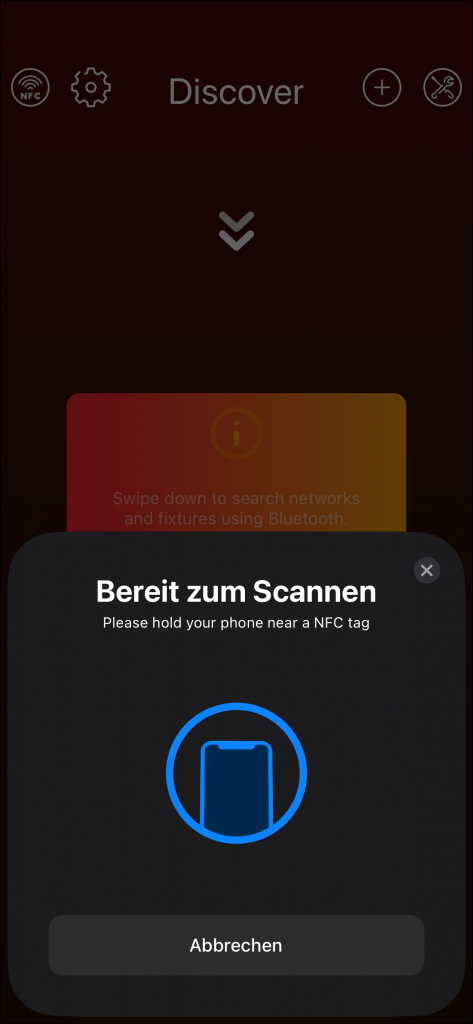
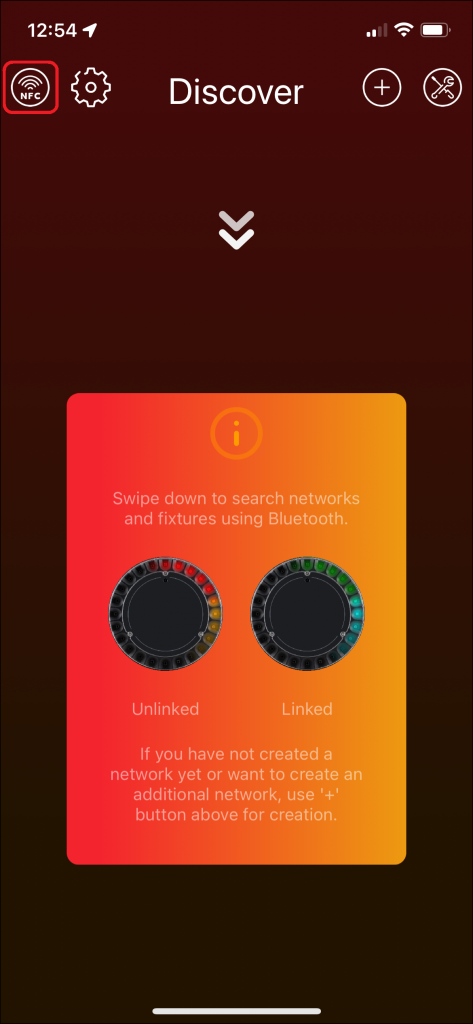
Start Vision Control App in Discover Screen and press the NFC logo in the upper left corner:
Then hold your smartphone near your fixtures NFC. The smartphone will detect the NFC and connects to the fixture.