




准备模块
下面说明如何 update Core Config、update Creative Config 以及 write serial number。
Update Core Config 更新 Core 配置
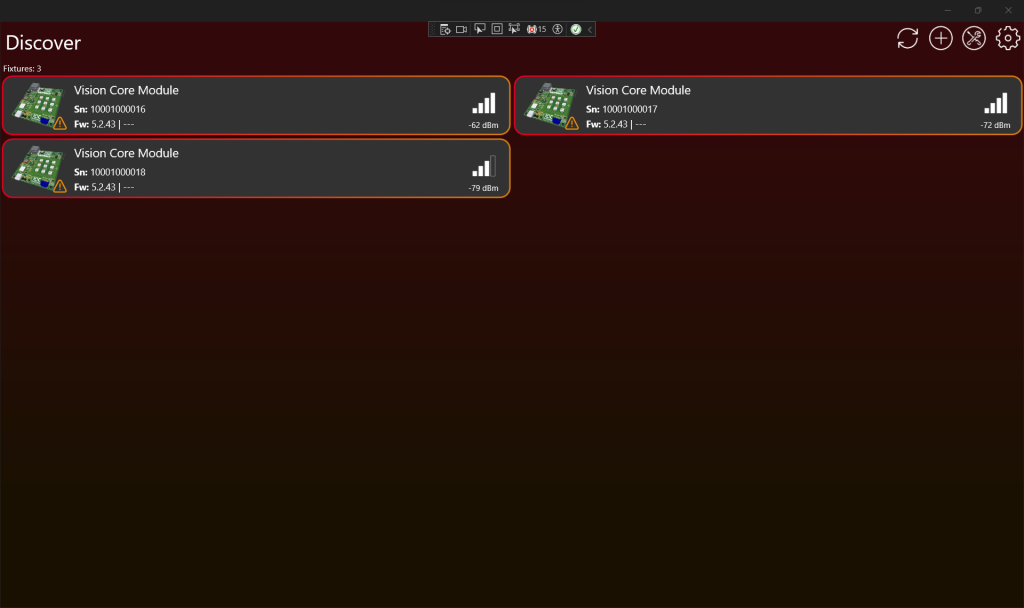
- 扫描 fixtures 后,点击顶部带红色标记的 Tools icon。
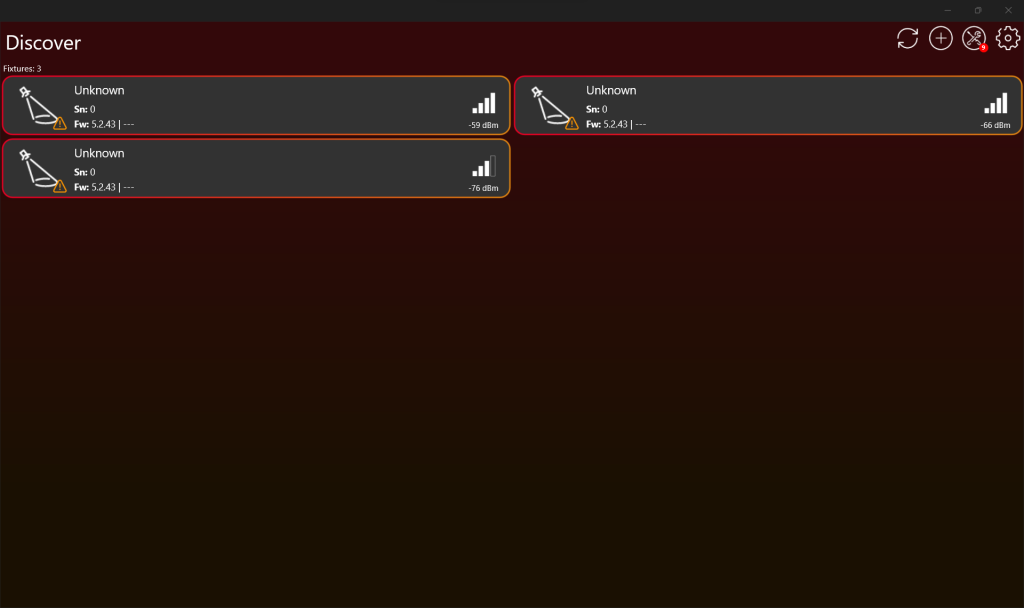
2. 如有需要向下滚动,然后点击 “Core Manager”。
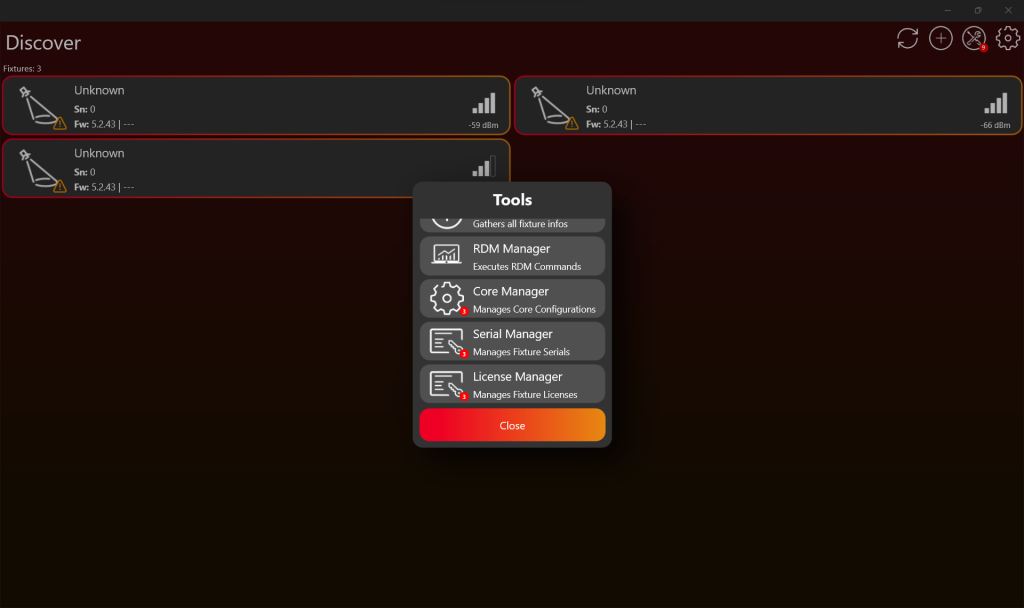
3. 然后点击 “Update all”。
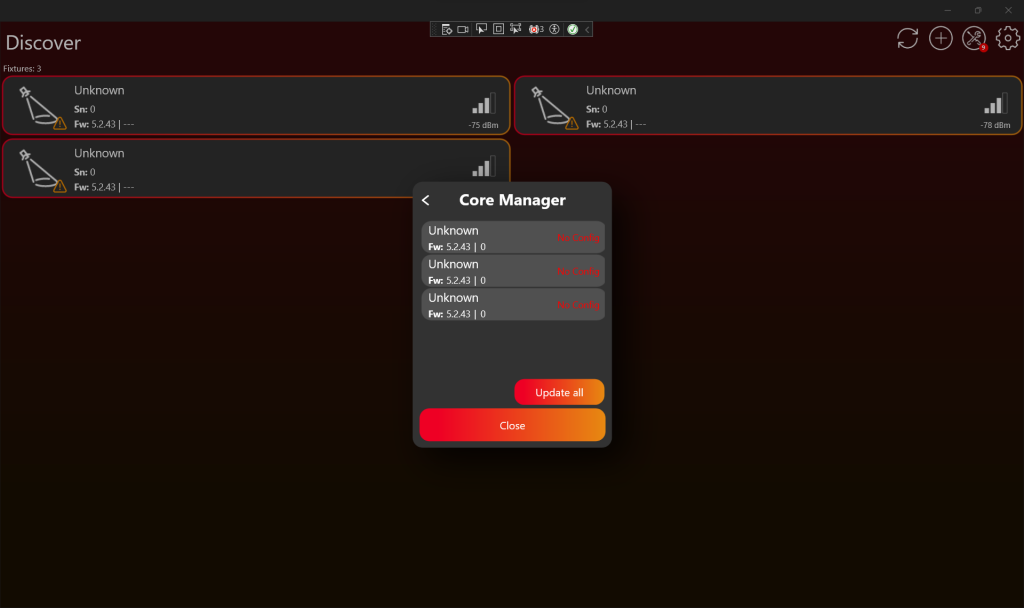
4. 选择您创建的 Core Type(见 Create Fixture 章节)。
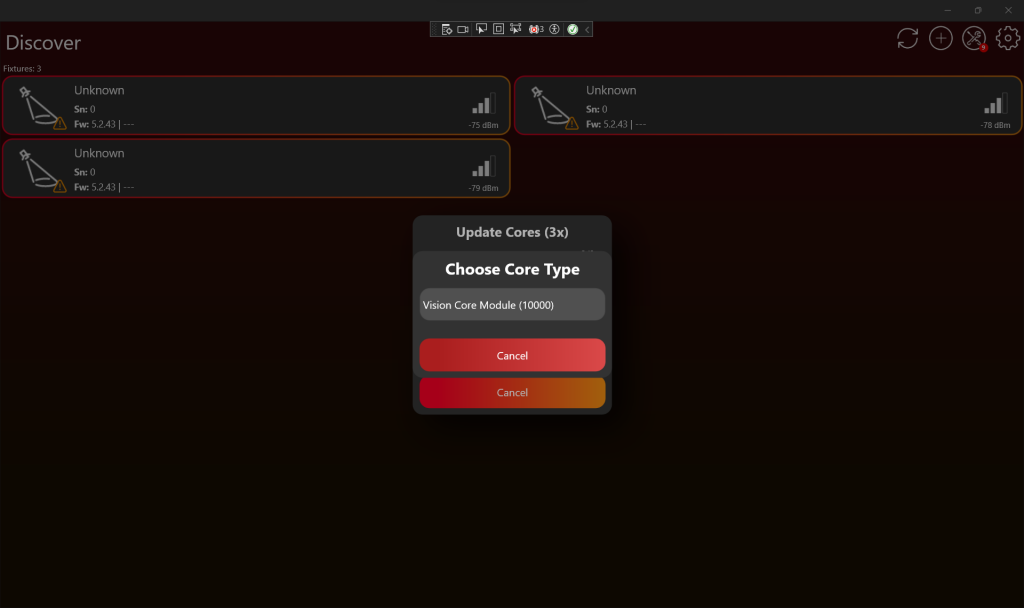
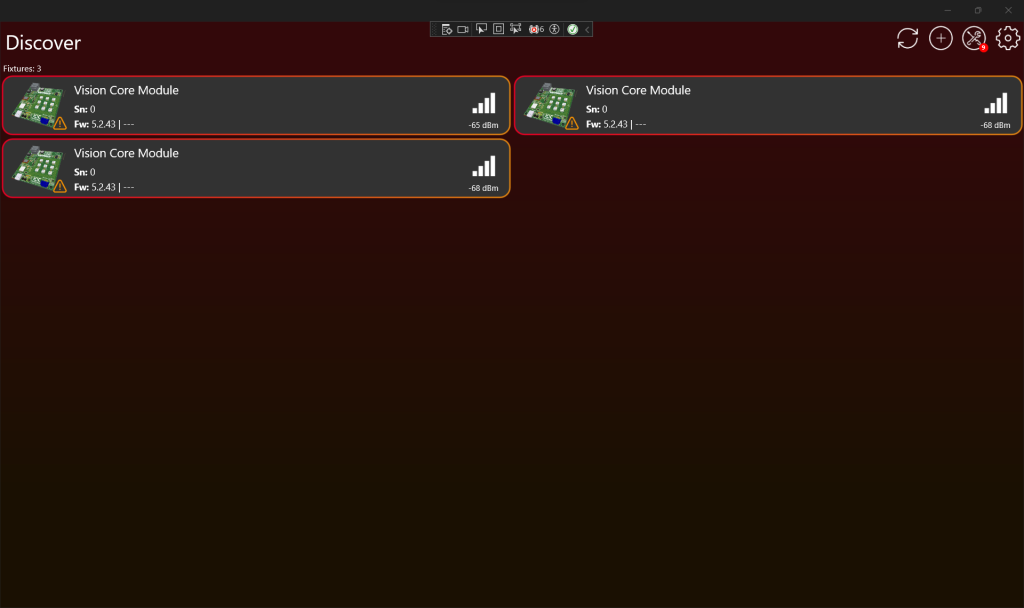
5. 重新扫描后,fixtures 会以正确的 fixture name 显示。可能需要重启 fixture。
Update Creative Config 更新 Creative 配置
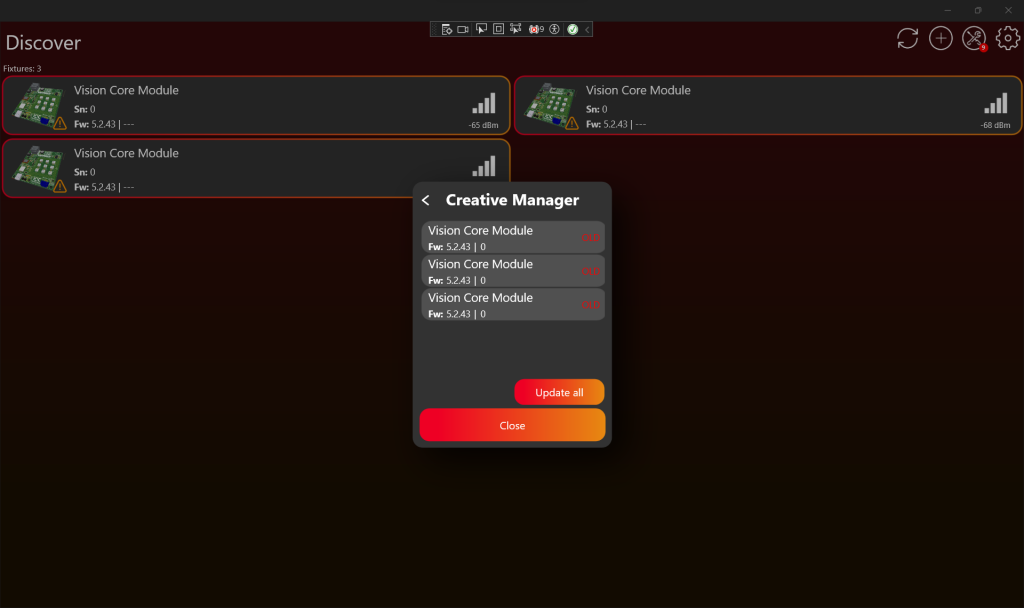
- Scan for the fixtures and the click on the Tools Icon, with the red badge, on the top. Scroll down if necessary and then click on „Creative Manager“.
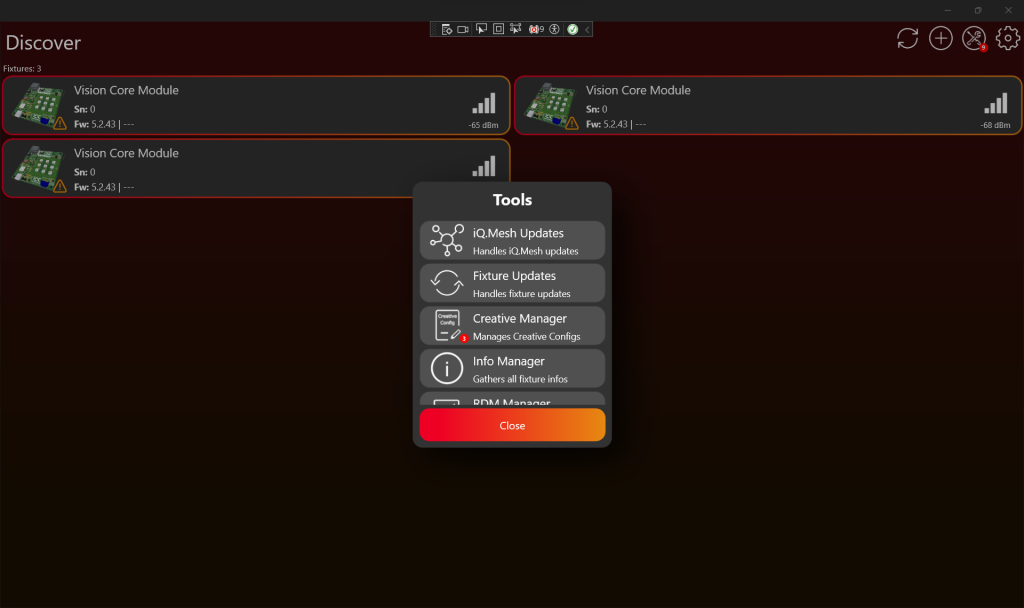
2. 然后点击 “Update all”。 After a successful update, the creative configuration is updated, and it might be necessary to restart the fixture for the changes to apply.
Write serial number 写入序列号
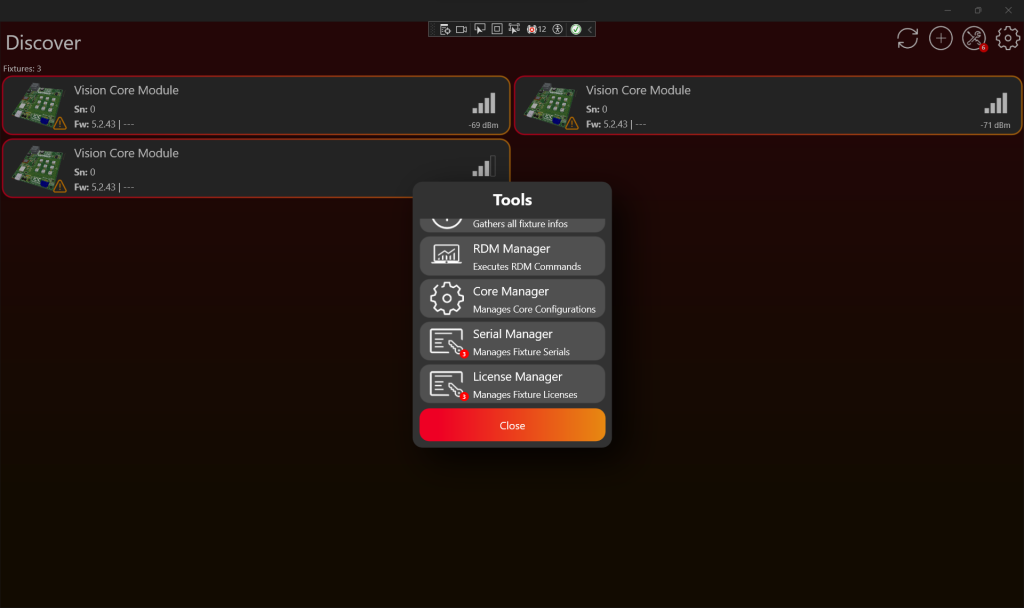
- Scan for the fixtures and the click on the Tools Icon, with the red badge, on the top. Scroll down if necessary and then click on „Serial Manager“.
2. Then click „Update all“ and typ in the serial number for all fixtures.
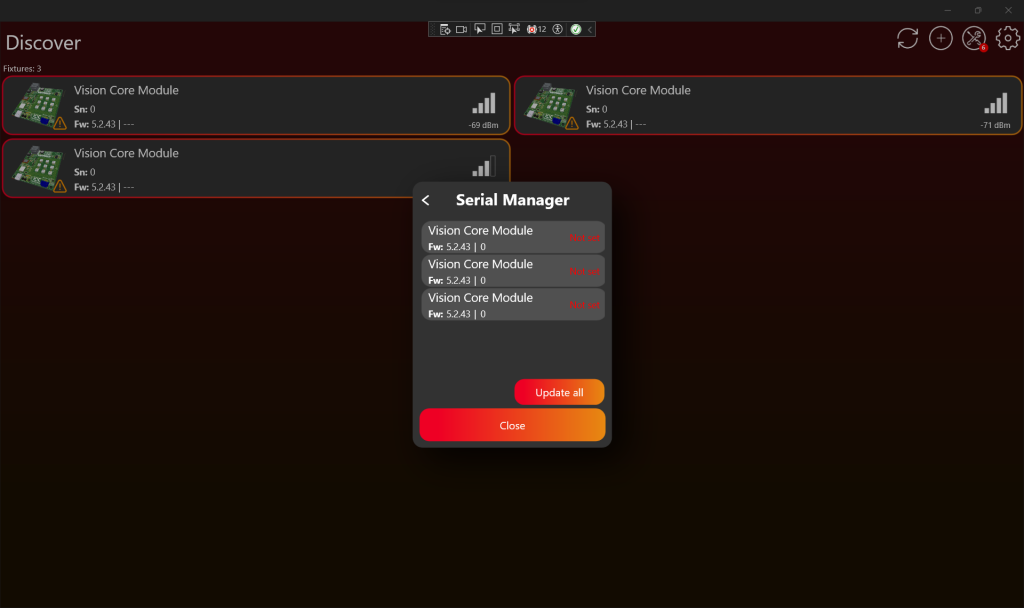
3. The creative configuration is updated, and it might be necessary to restart the fixture for the changes to apply. Scan to discover your fixtures with the new serial number.
VISION Bootloader Flash File Generation – 可选
The VISION Bootloader Flash File Generation is an 可选 tool to optimize production steps. This tool enables you to generate the bootloader firmware flash file for the VISION IC. The advantage of this file is that it includes the creative configuration and it also incorporates the core configuration, which reduces the necessary steps in the production process. Below is a step-by-step guide:
- Activate Test Mode.
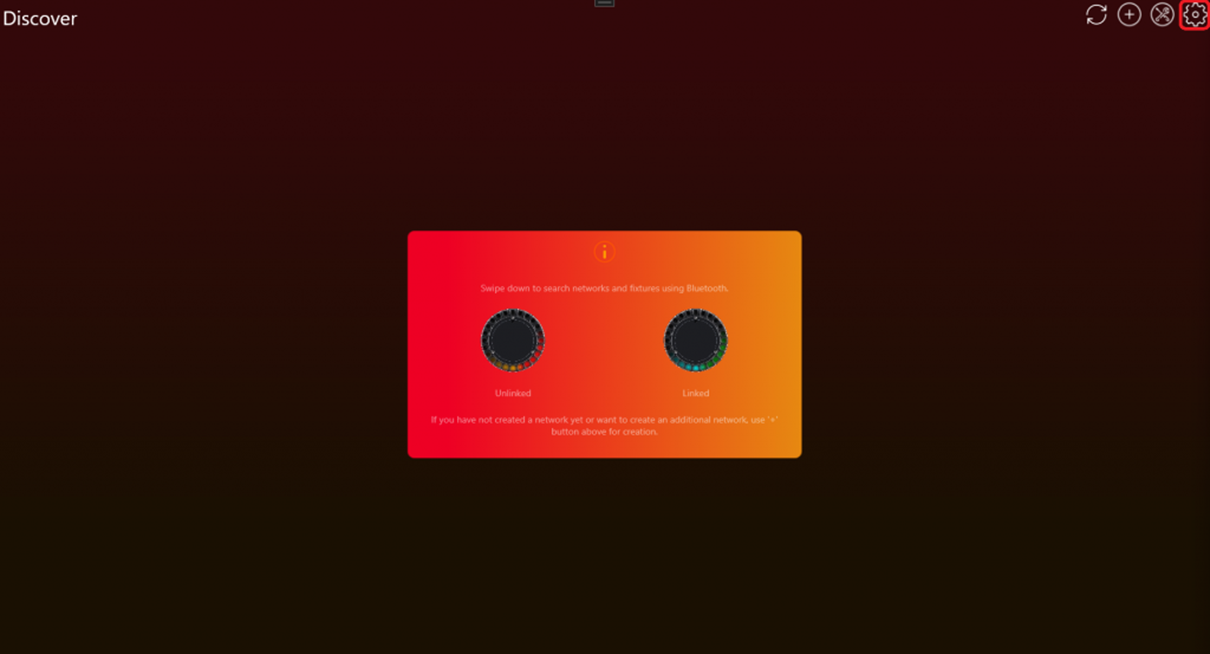
- Go to „Settings“ by clicking on the gear in the top:
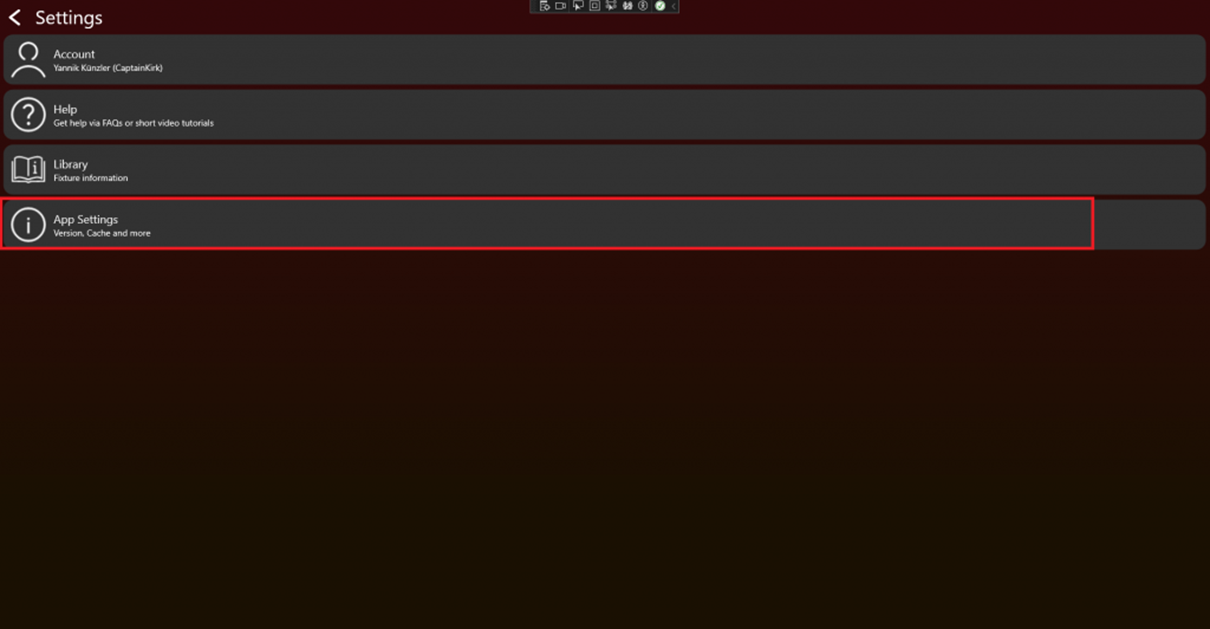
- Click on App Settings:
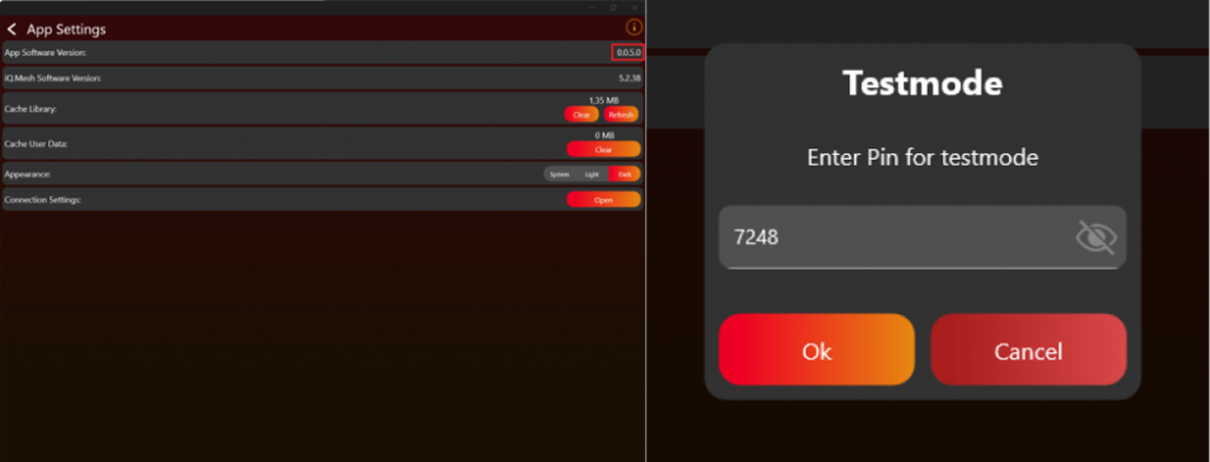
- Tab on the App Software Version label (0.0.5.0) two times. After that a prompt shows up. Type in the PIN “7248“. Then the Test Mode will be activated.
- Go back to the “Discover“ page.
- Go to „Settings“ by clicking on the gear in the top:
- Navigate from the Discover page to Settings by clicking on the gear in the top:
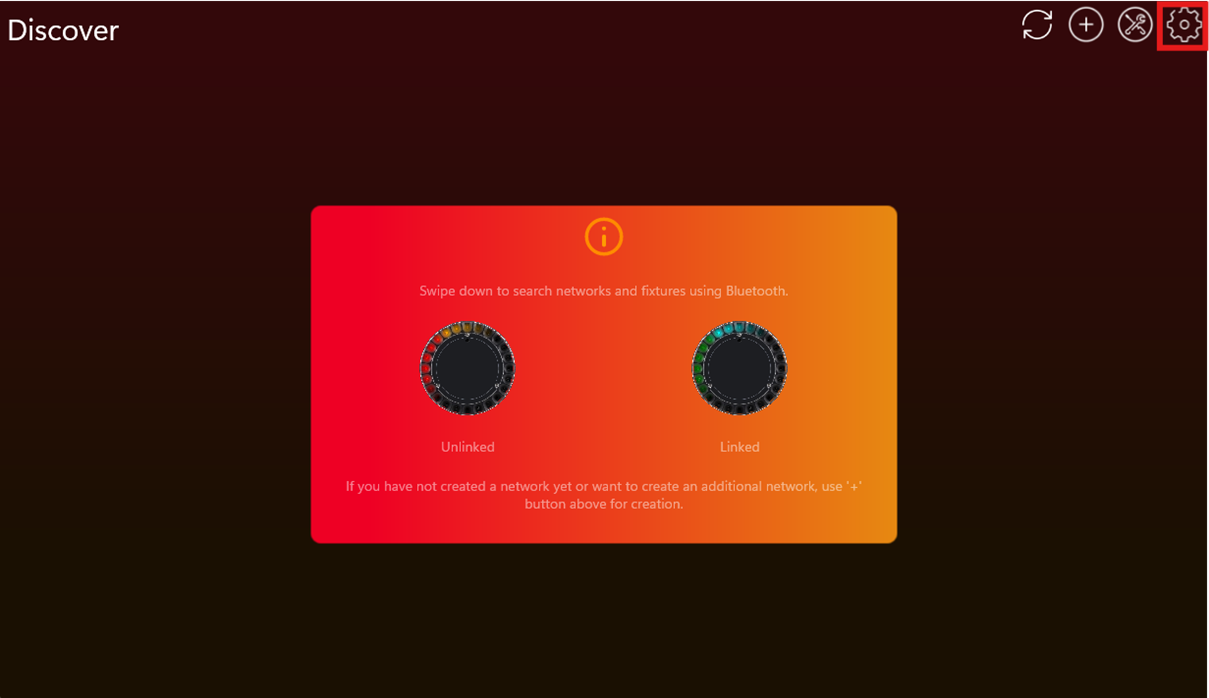
- Click on Developer Tools:
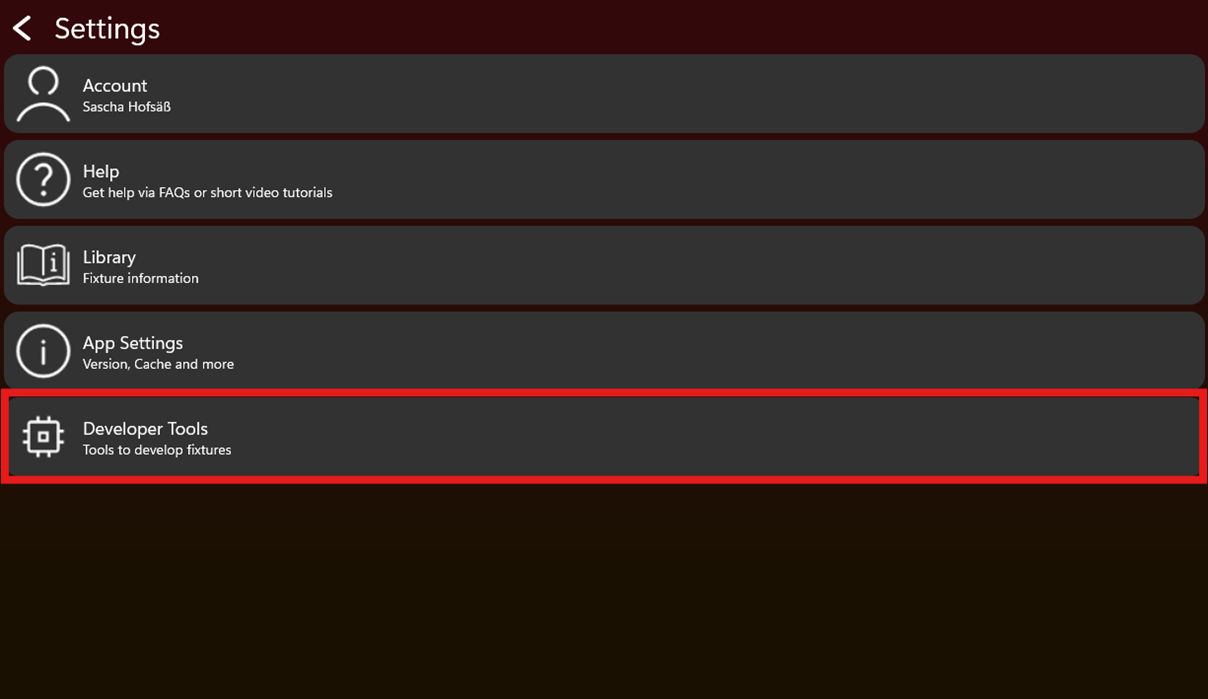
- Click on VISION Bootloader Flash File Generator:
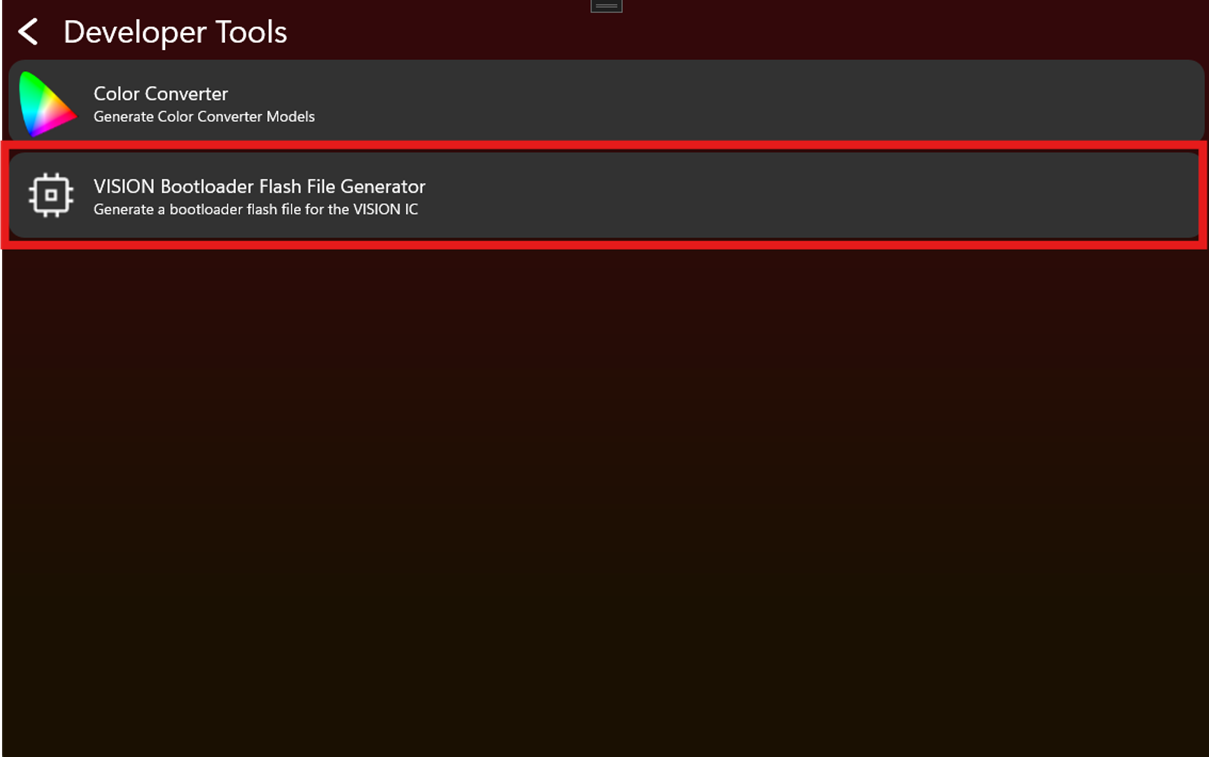
- Select the VISION IC of the fixture:
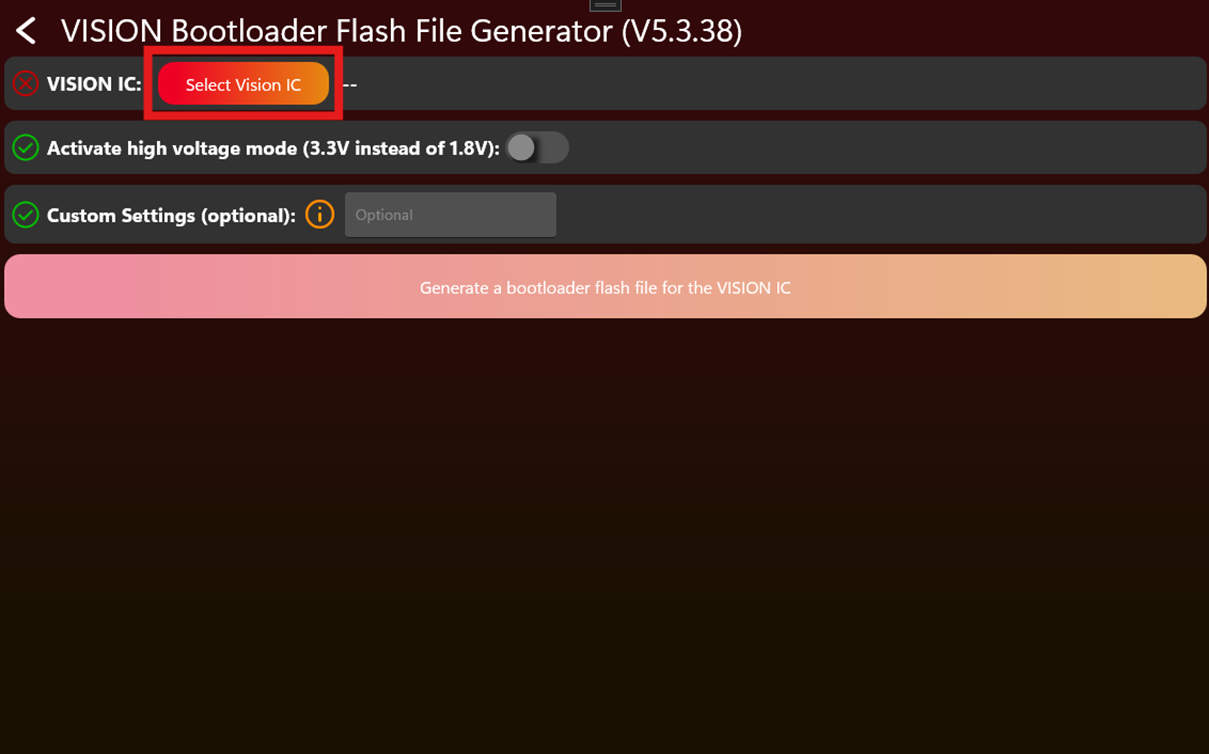
- 首先选择 module type(External Module、Core Module 或 V Adapter)。
- Then, select the specific IC.
- Select the fixture:
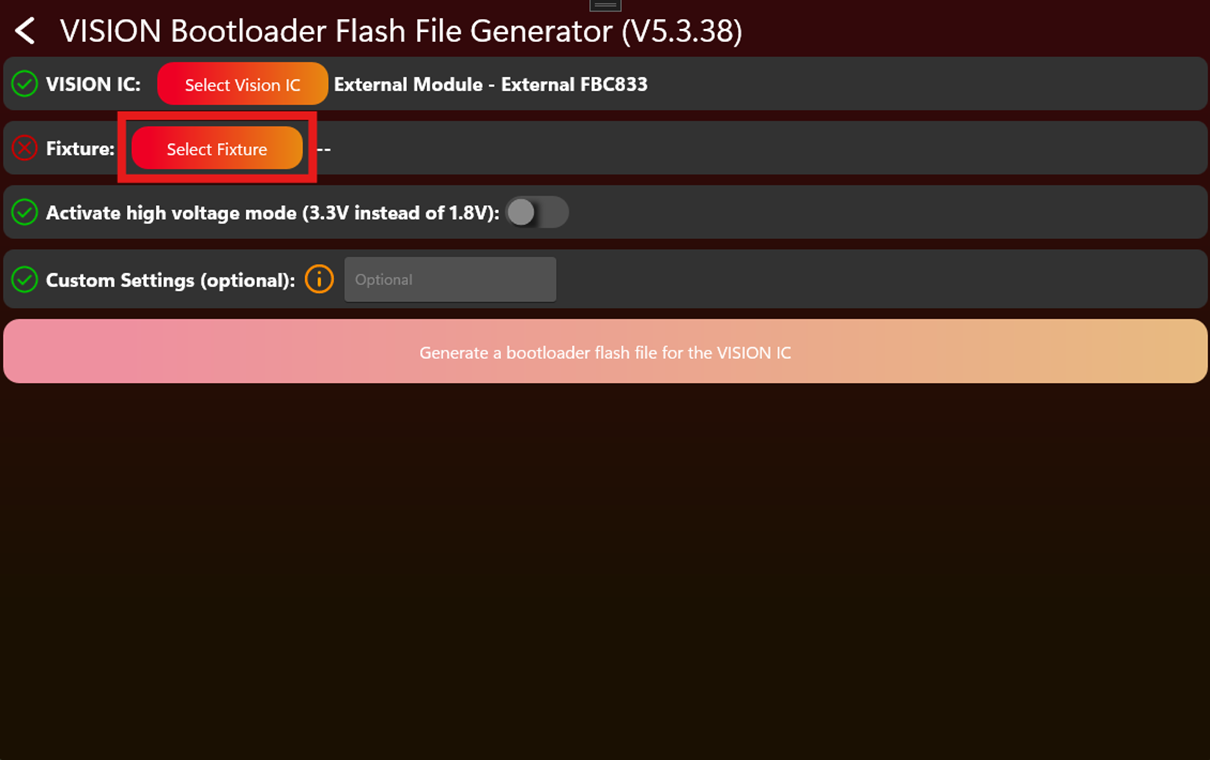
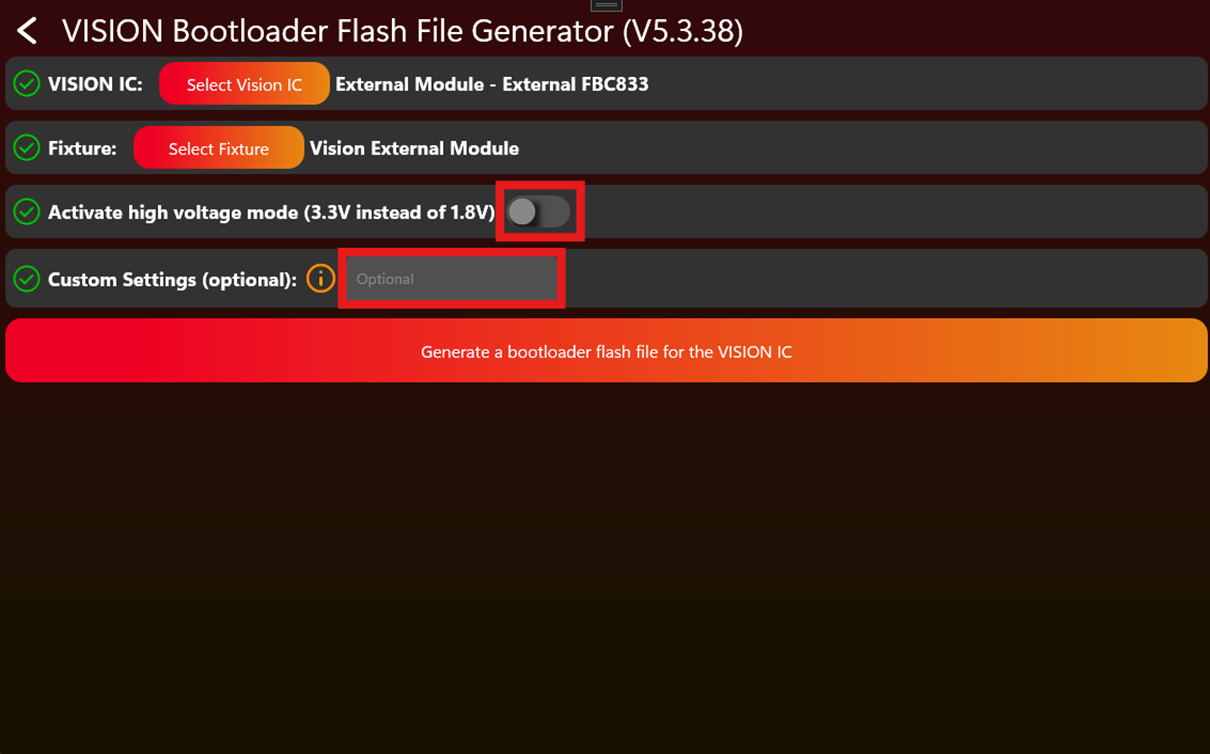
- Additional 可选 settings are “Activate high voltage mode” and “custom settings”. These settings are 可选 and not required:
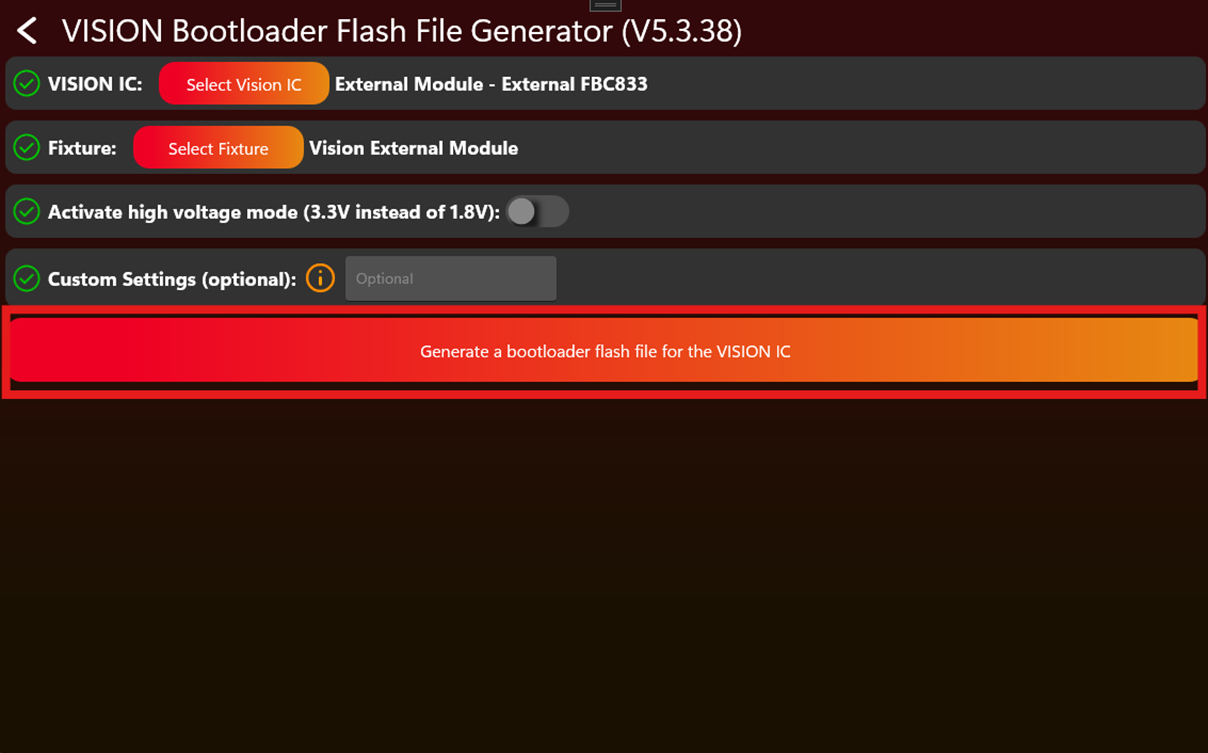
- Generate the VISION bootloader flash file by clicking the button:
- Save the generated file.
- Flash the bootloader file onto the VISION IC using a J-Link.