




Create Company
Create or request your company account before creating fixtures in the Vision App Library. The same login is used for the Vision Control App and the Vision Web Service.
Open the Vision Web Service
Open https://server.kk-t.eu/ and log in with your Vision account.
If you do not have an account yet, install the Vision Control App first and create the account there:
Go to Windows Store
Go to Google Play Store
Go to Apple App Store
Use the demo company first
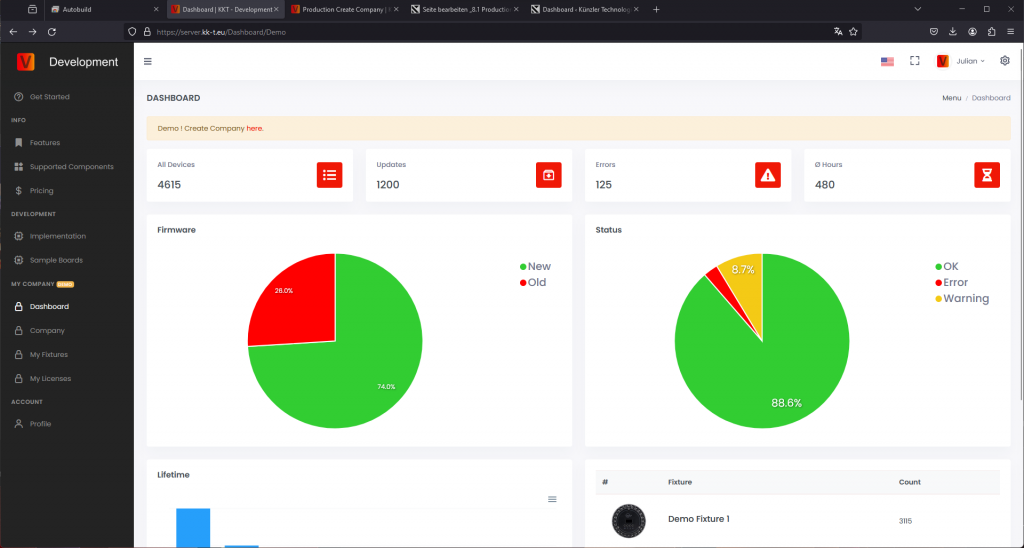
After login, open MY COMPANY (DEMO). The demo company shows the pages you will later use for your own company, for example Dashboard, Company, My Fixtures, and My Licenses.
Request your company
From one of the demo pages, follow the Demo! Create Company here link. Fill in the company request carefully and use a valid company email address.
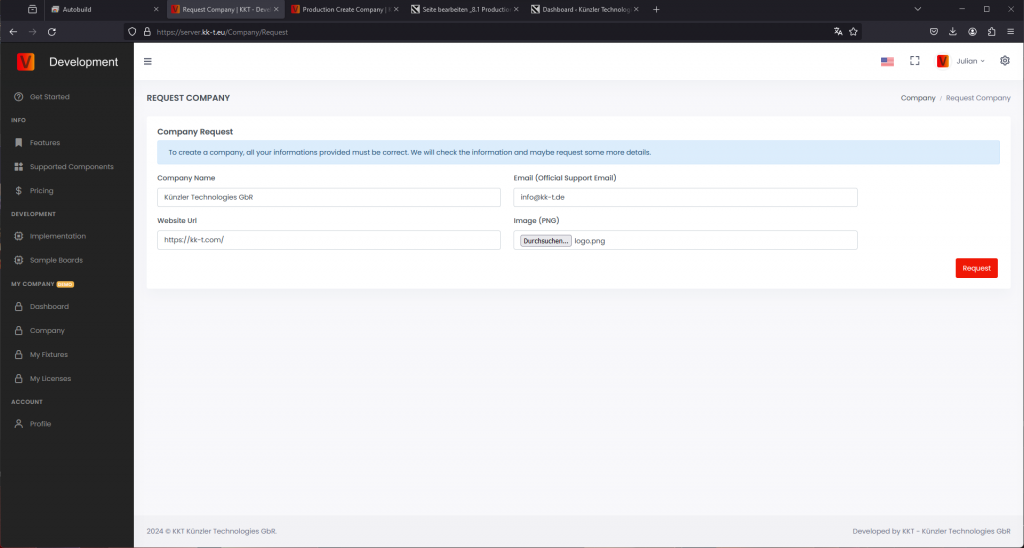
Vision Control checks the request before the company is activated. If information is missing, or if the company cannot be verified, we will contact you by email. Verification can take 2-3 business days.
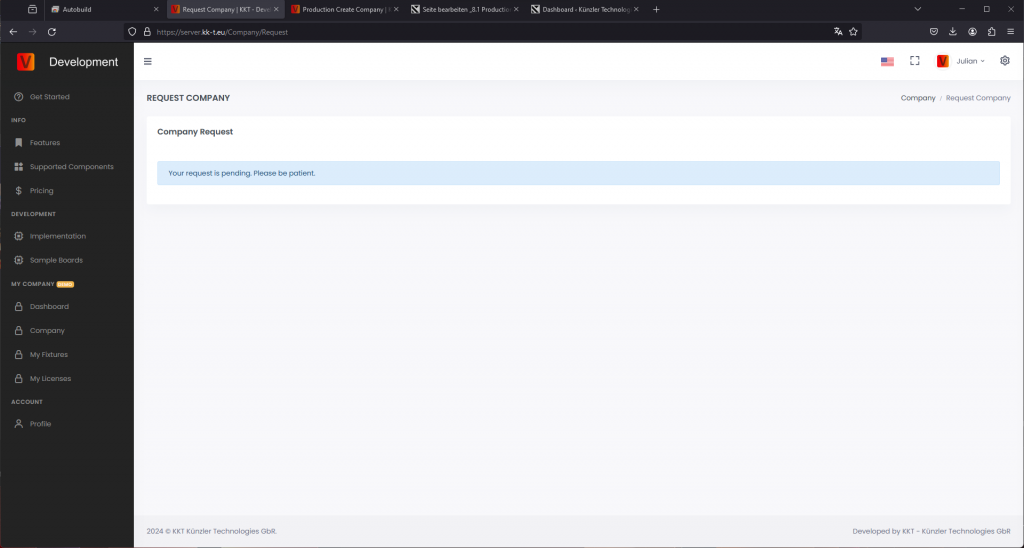
After verification, you receive an email and can create fixtures, manage release data, and buy production licenses for your company.
If one account must manage several companies, contact Vision Control or write to info@vision-cs.de.