




Test RDM
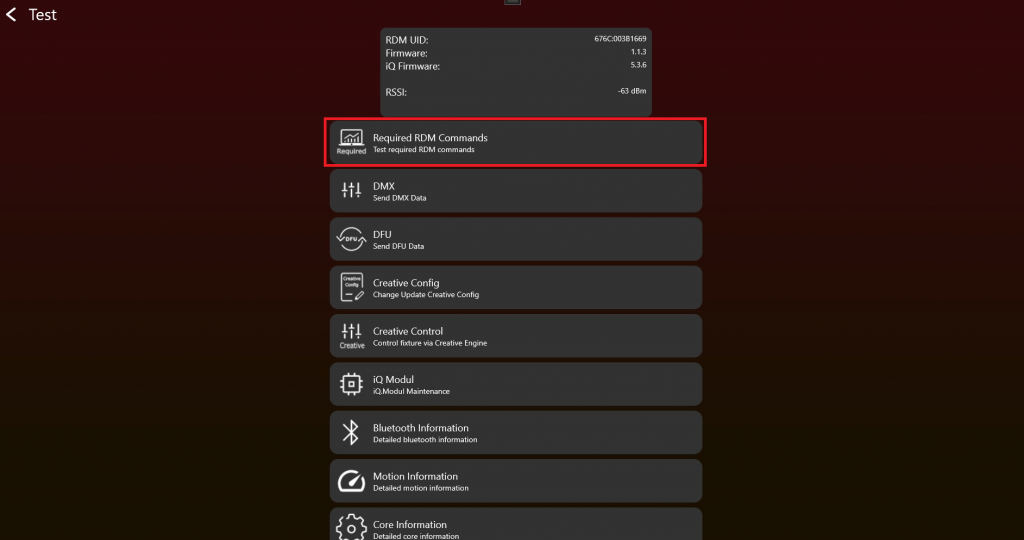
- After enabling the Test Mode and connecting to the fixture it should look like this. To test RDM Commands click on „Required RDM Commands“:
2. Simply click on a Get / Set button and RDM commands will be send to your fixture. A result will be shown. Check for each RDM command the result.
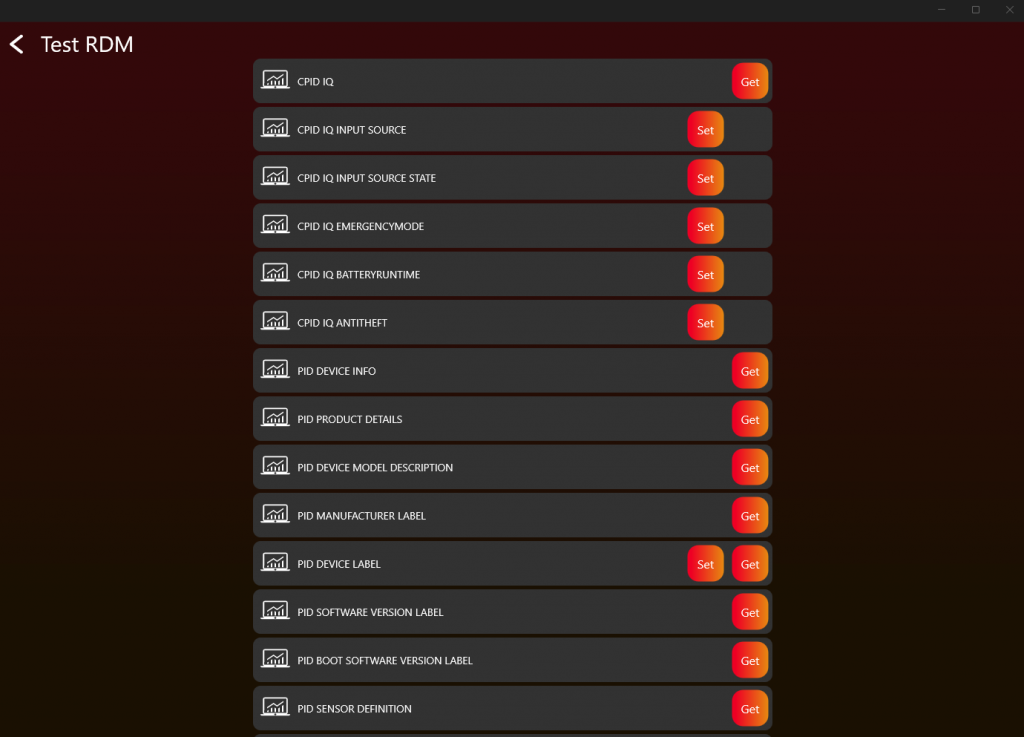
Use the RDM command "CPID VISION" for the Vision-specific fixture information required by the app.
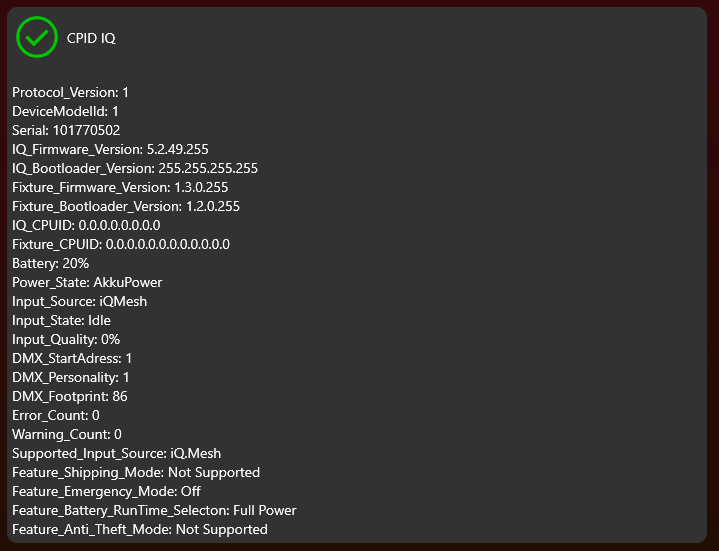
Ensure that each value makes sense, particularly the RDM command "CPID VISION," which is crucial for correctly displaying the fixture information in the Vision Control App.
3. If you get a correct response it should look like this:
4. Repeat this step for each RDM command