




测试 RDM
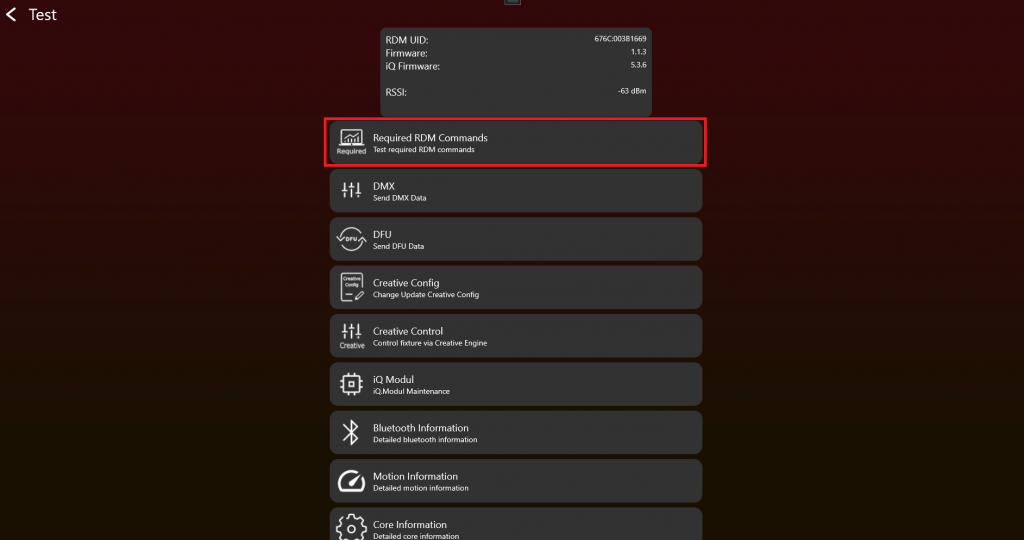
- Enable Test Mode 并连接 fixture 后,应显示如下。测试 RDM Commands 时,点击 "Required RDM Commands":
2. 点击 Get / Set button 后,RDM commands 会发送到 fixture,并显示 result。请逐项检查每个 RDM command 的 result。
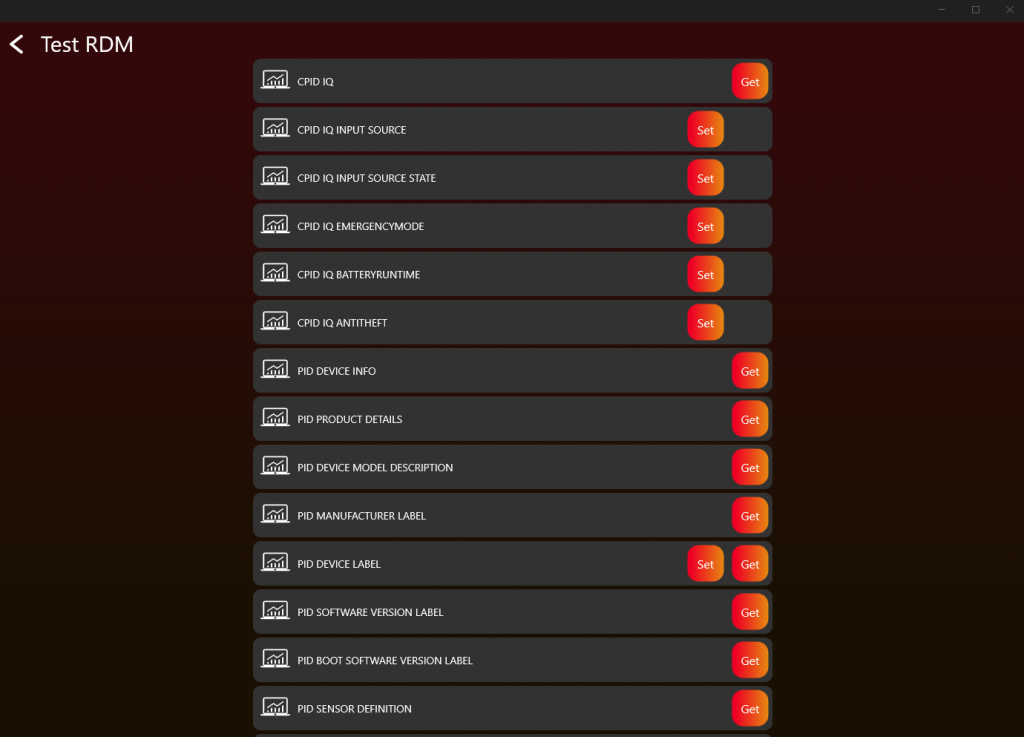
使用 RDM command "CPID VISION" 提供 app 所需的 Vision-specific fixture information。
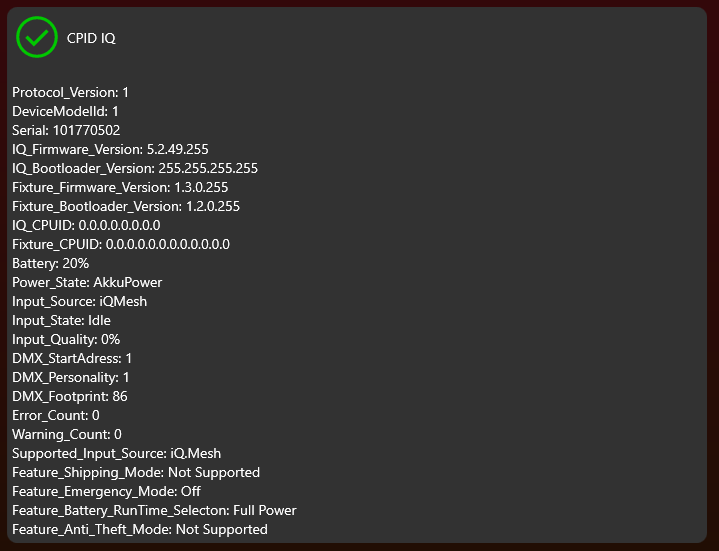
请确保每个 value 都合理,特别是 RDM command "CPID VISION"。它对 Vision Control App 正确显示 fixture information 非常关键。
3. 如果 response 正确,应如下所示:
4. 对每个 RDM command 重复该 step。