




测试 DMX
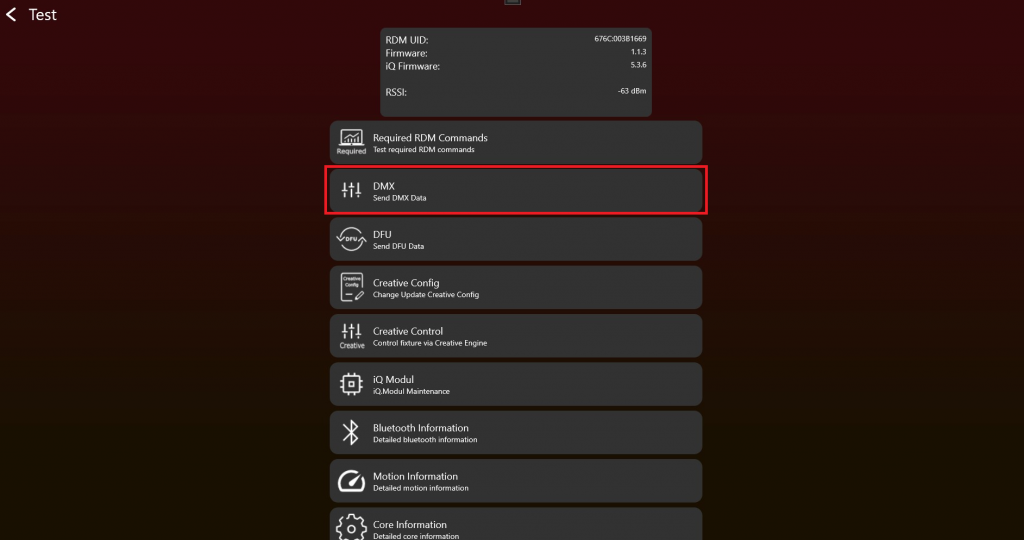
- Enable Test Mode 并连接 fixture 后,应显示如下。测试 DMX 时点击 "DMX":
2. 选择 "Vision Control Behavior",并通过 sliders 设置 "DMX Values"。使用不同 "DMX start addresses" 和 "DMX Personalities"(有时也称为 "DMX Modes")测试 DMX Control,确保一切按预期工作。"Change Personality" function 会改变当前 Vision DMX stream 使用的 temporary DMX Personality。
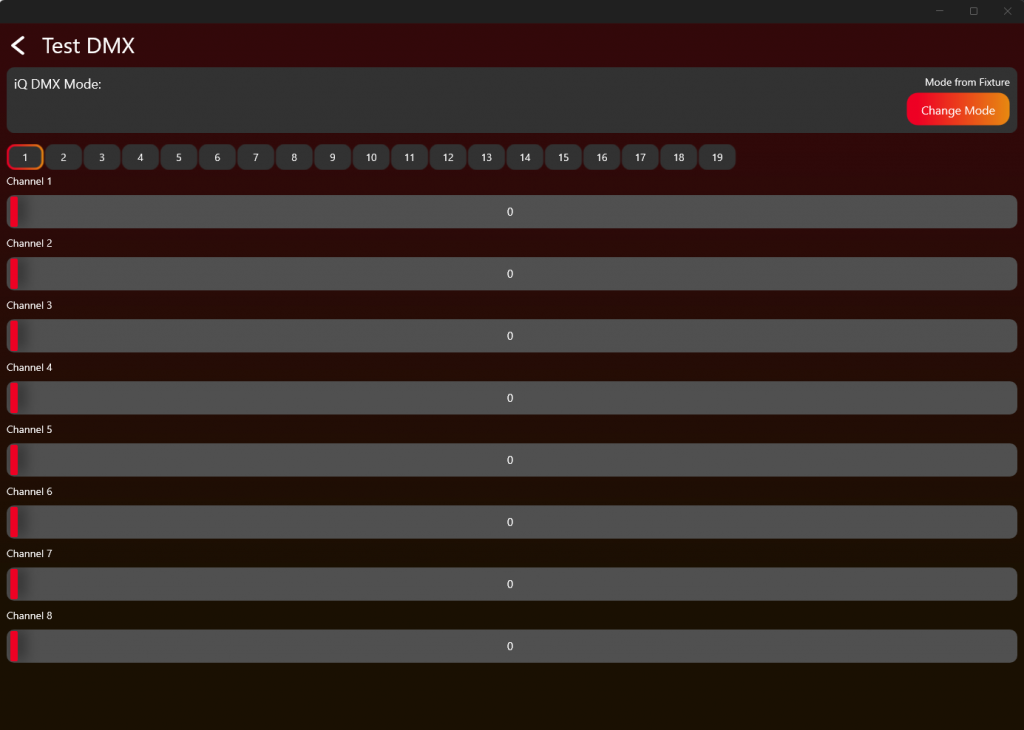
按照下表和 DMX chapter 中的说明,测试 Vision Control Behavior 0、1-x 和 255。
| Vision Control Behavior | Control behavior |
|---|---|
| 0 | DMX Control,使用 fixture 保存的 DMX settings |
| 1 | Legacy / Vision DMX Adapter only: 仅当前 frame 使用 DMX Personality 1 的 DMX Control |
| 2 | Legacy / Vision DMX Adapter only: 仅当前 frame 使用 DMX Personality 2 的 DMX Control |
| ... | ... |
| 255 | App Control,使用 fixed App Control settings。读取 DMX 时从 stream beginning 开始,与 DMX start address 无关。 |